Menus
The menus collection allows you to create sections as they appears on the menu page.
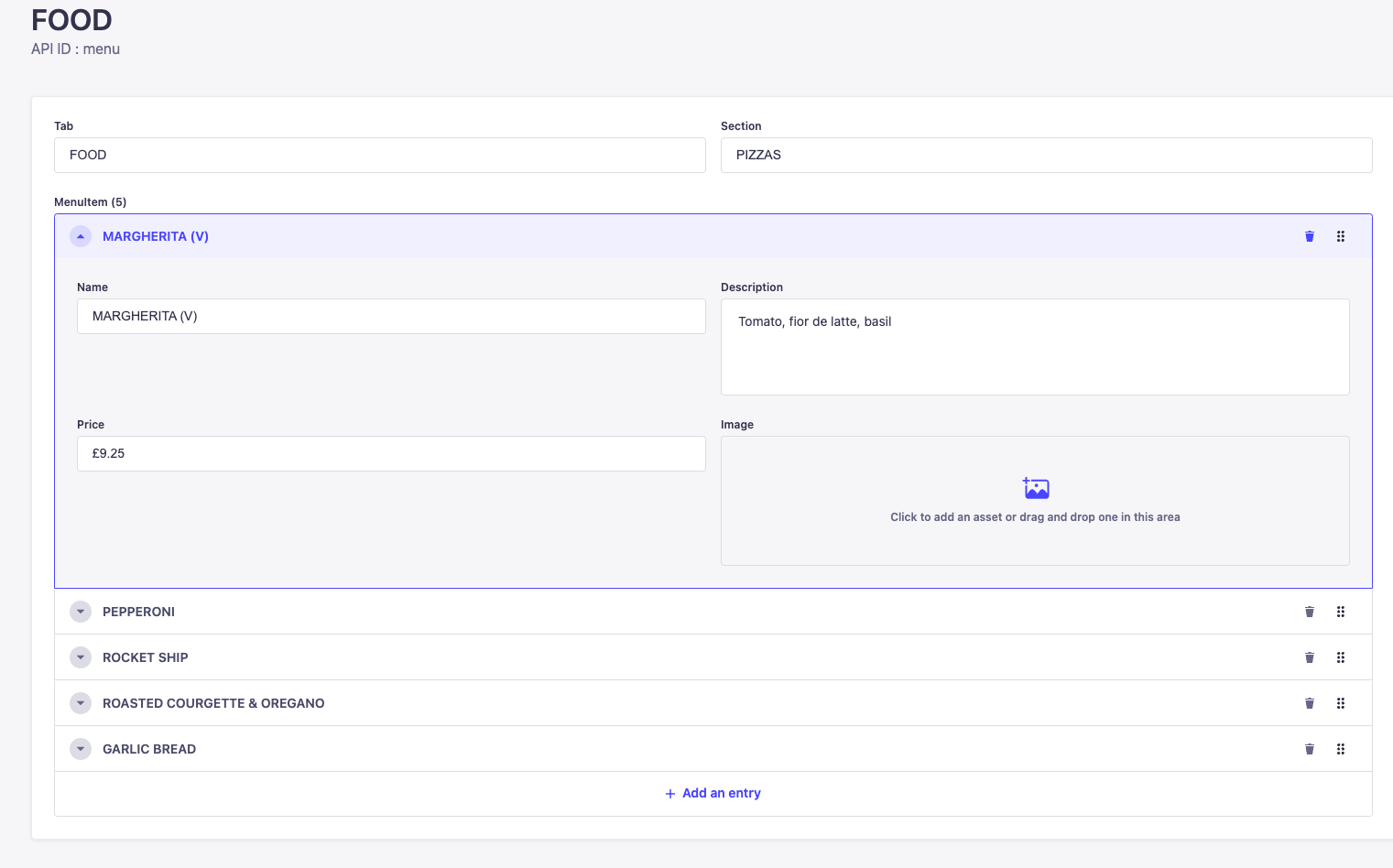
Tab translates to the tab you wish the section to appear within the menu, section is the section within the tab this should be and then menuitem is each of the items in that section.
A menu item can have a Name, description, price and image.
You can change the order of menu items using the 6 dots icon on the right to drag them up and down the list.
Because of the way the data is structured for menus, there is a single type called MenuTabOrder which controls the order in which the menu tabs are displayed. In order for this to work correctly, the tab name used here must match exactly with the tab names used in the menus collection.
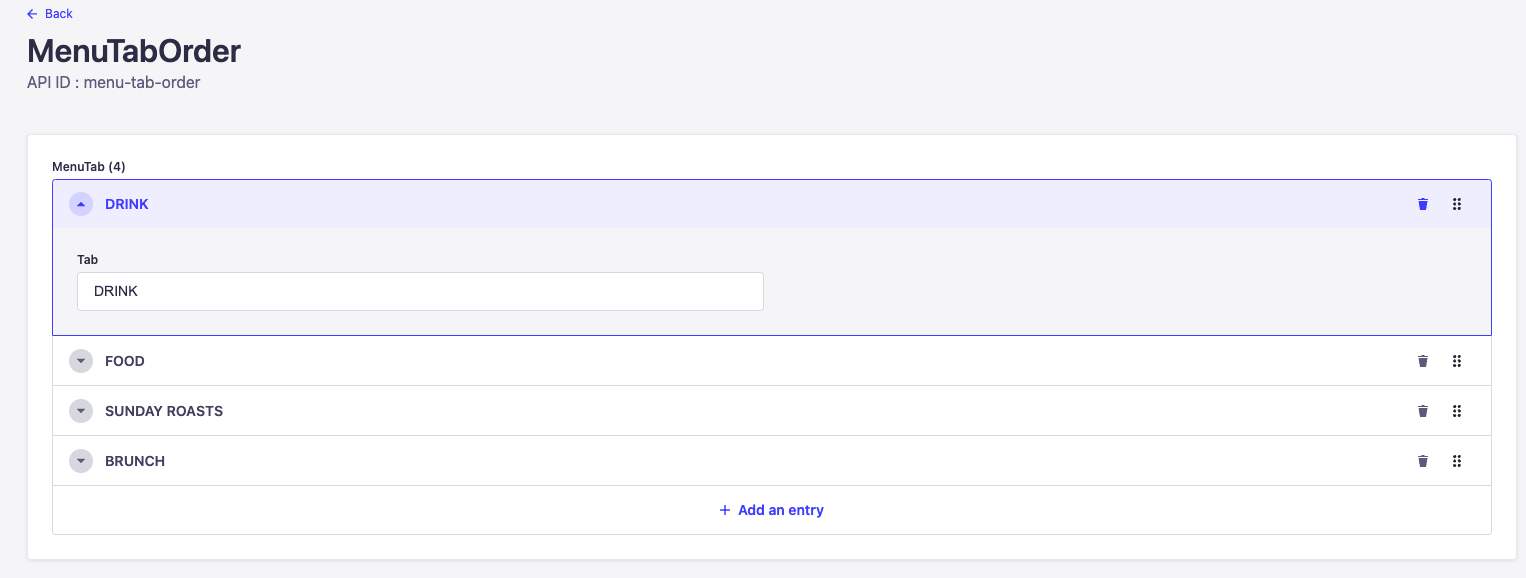
Once the items are in place they can be reorganised using the 6 dots handle on the right hand side of an item as is the case with the other ordering scenarios across the site.
You can control whether a tab appears by removing it from the MenuTabOrder single type rather than having to unpublish individual tabs and sections within the menu collection. This can be useful when items need to be temporarily removed.