Events Slider
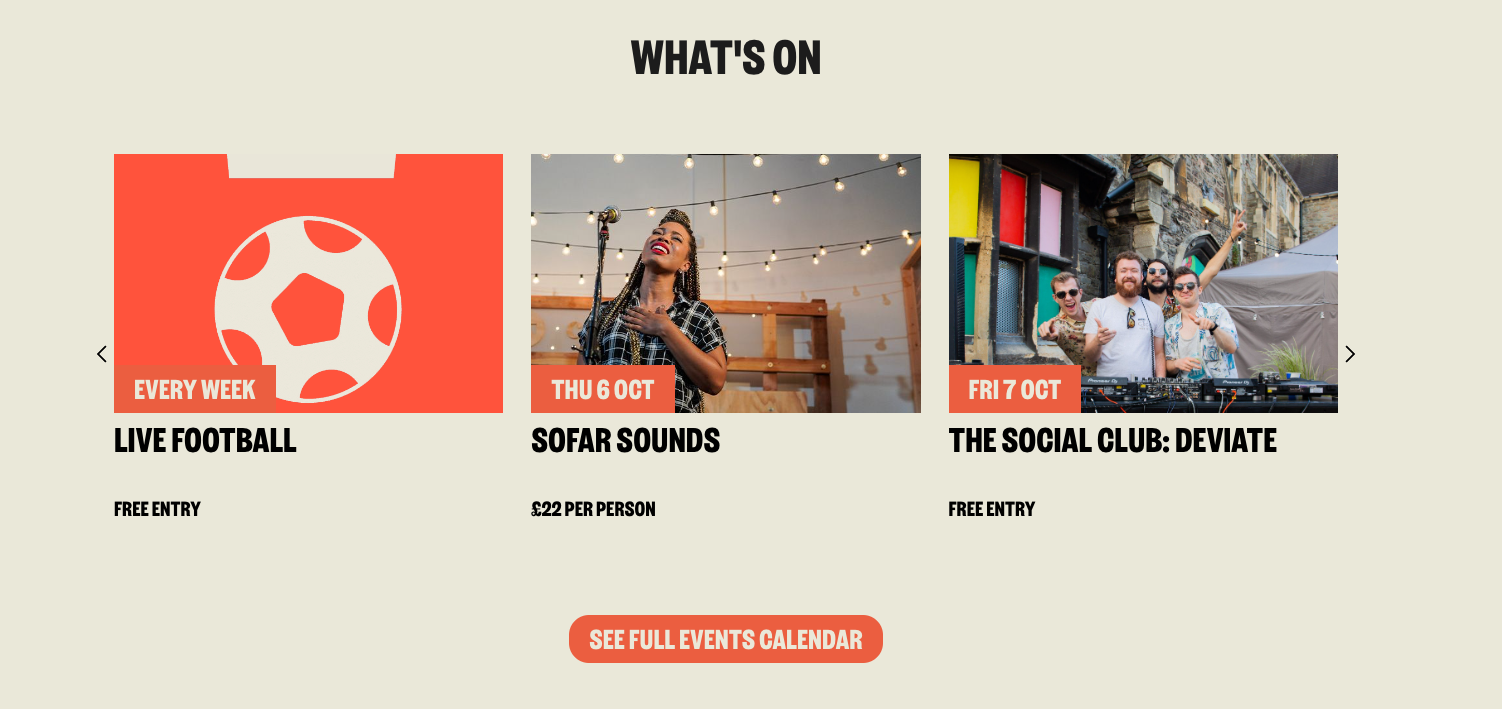
The Events Slider displays the 10 events occuring soonest in order within a rotating carousel.
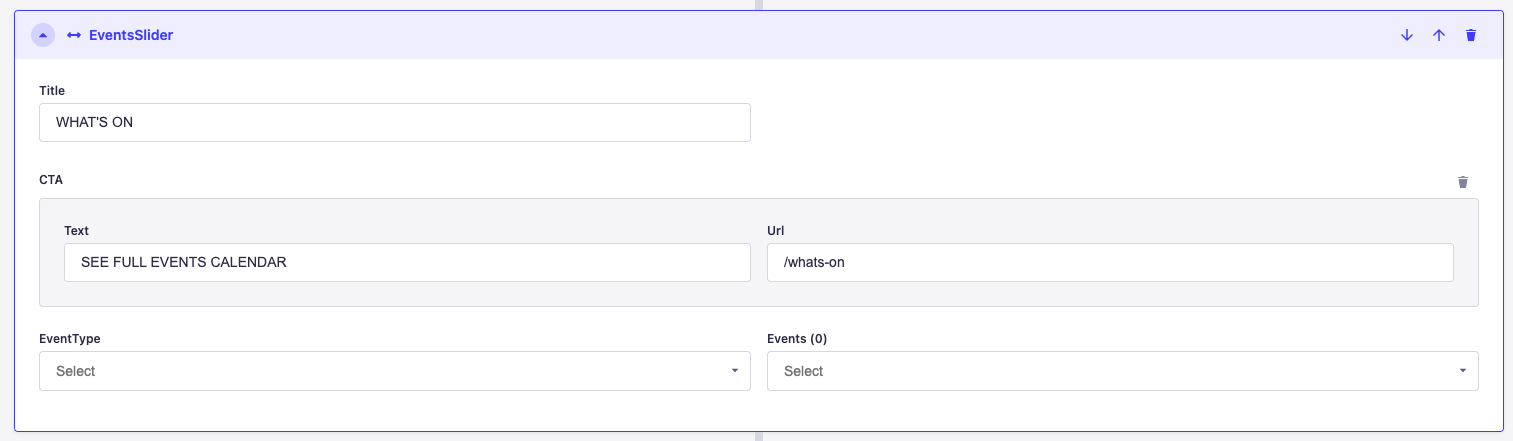
You can add a title to this component, and can control which events appear in the slider. You can either select a type of event and only events of that type will be shown, inddividual events can also be selected to allow complete customisation and if neither are selected it defaults to using the events from the events collection. You can also specify the text and location to link to if you wish to add a CTA.
The events are ordered first by priority and then by date. Each event can be assigned a priority. For example, live football has a priority 1 so it will always be shown first in the list.
When added to a page it looks as below: