Publishing
In order to publish validated changes to the live site, with the plugins section of the left menu there is a link to Website Builder.
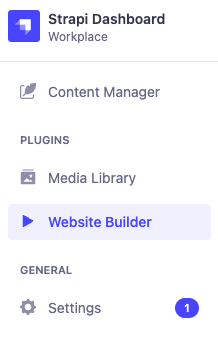
Simply click on Websiite Builder to enter the page shown above and when ready to publish click the Trigger Build.
We recommend putting website changes into a traditional traffic system. This is the process for how to use it:
- Plan in required website changes into one website update milestone
- Changes made in Strapi will pull through instantly to the dev site to allow you to preview / sign off: https://bigpenny.wfscripts.com/
- Once happy with all changes to the dev site within that milestone, you can head to ‘Website Builder’ and press ‘Trigger Build’
- This will pull through all of the updates to the live site: https://bigpennysocial.co.uk/