The menu links type allows you to manage the menu that appears in the header. Each item that appears in the list translates into an item in the menu.
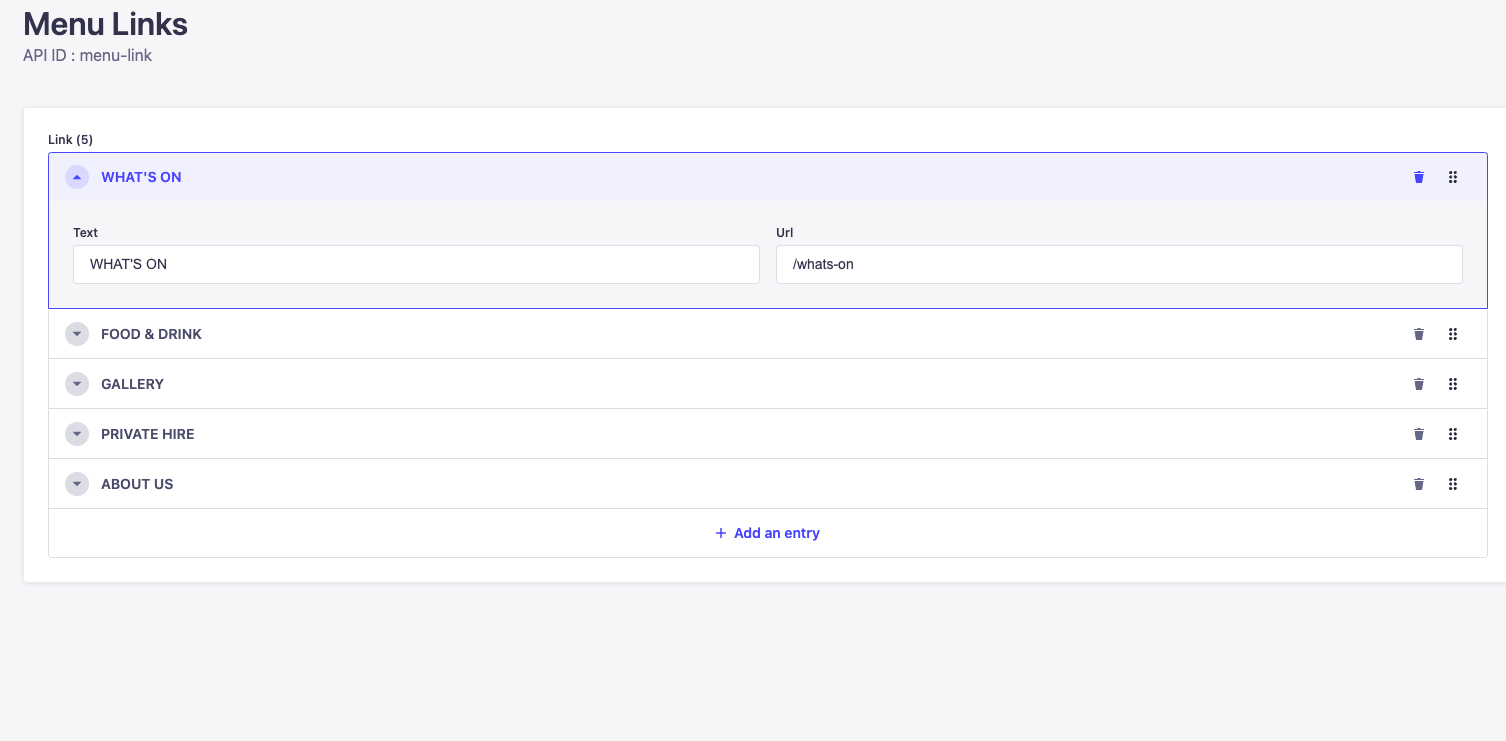
In order to add an item to the list you click add entry and you can then specify the text and url for the menu item. To change the order of the list, you can drag items up and down the list using the 6 dots icon on the right of an individual menu item.
This is translated into the main menu as seen below:
